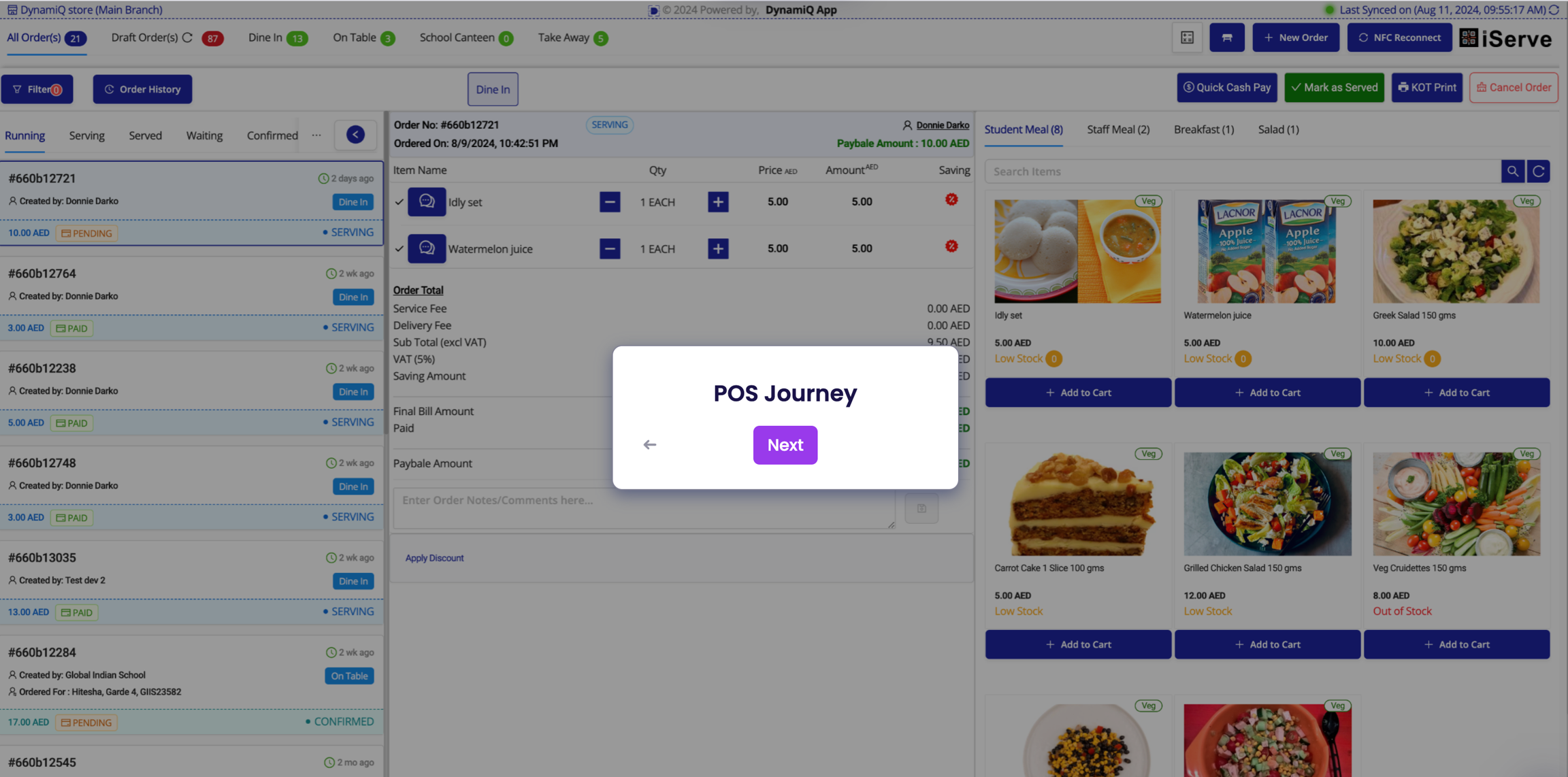
Point Of Sale

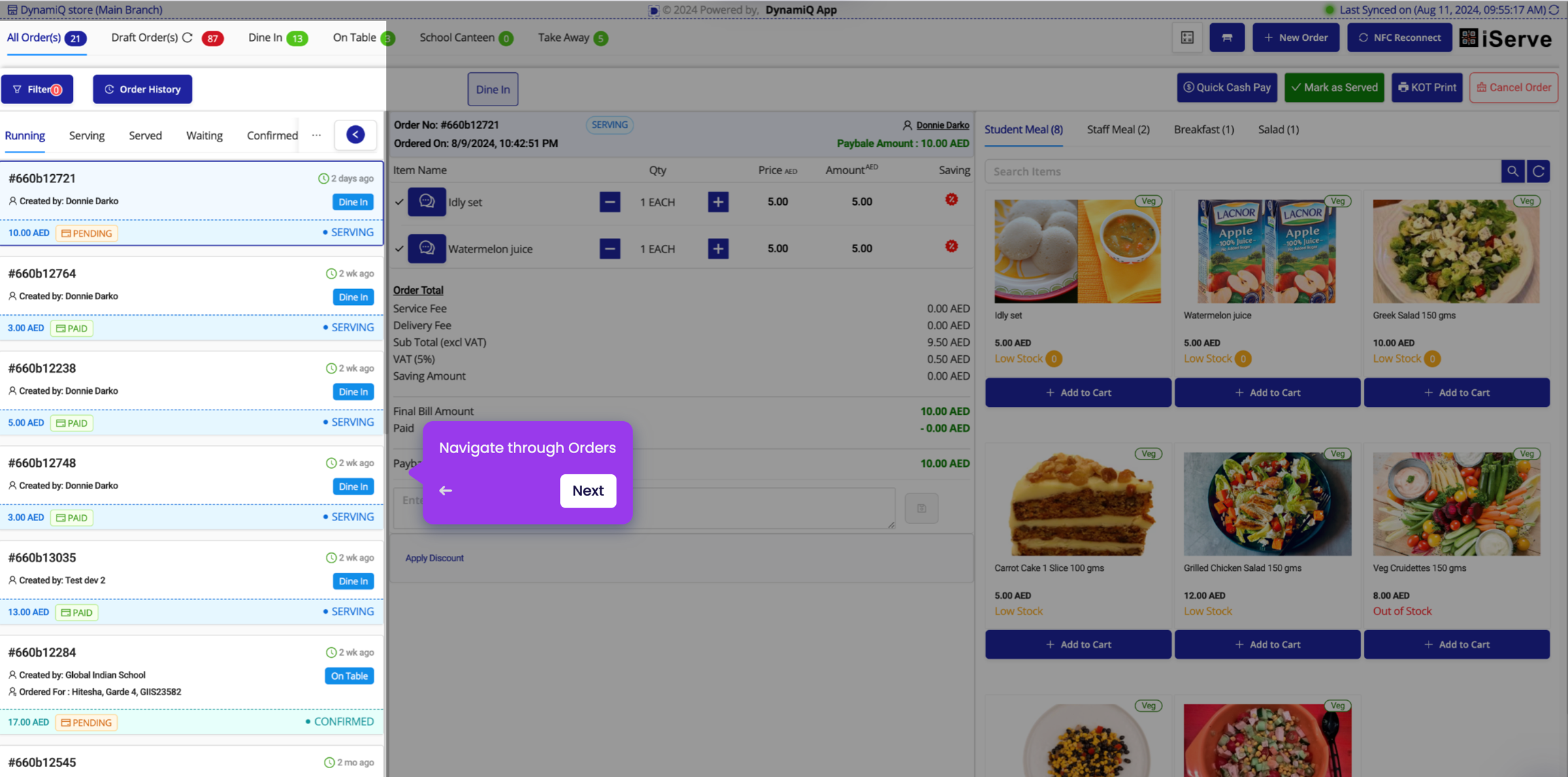
Navigate through Orders

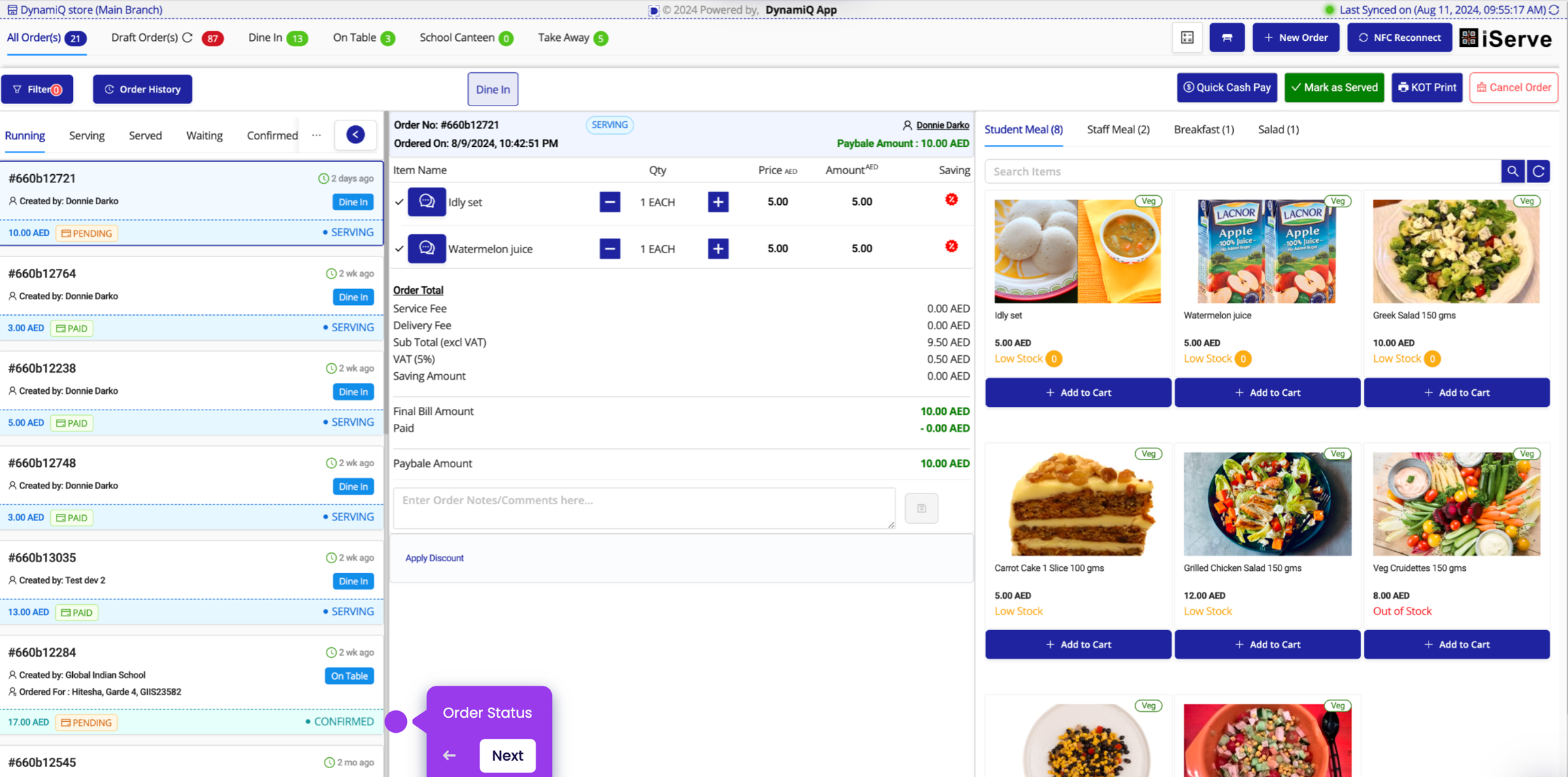
Check Order Details
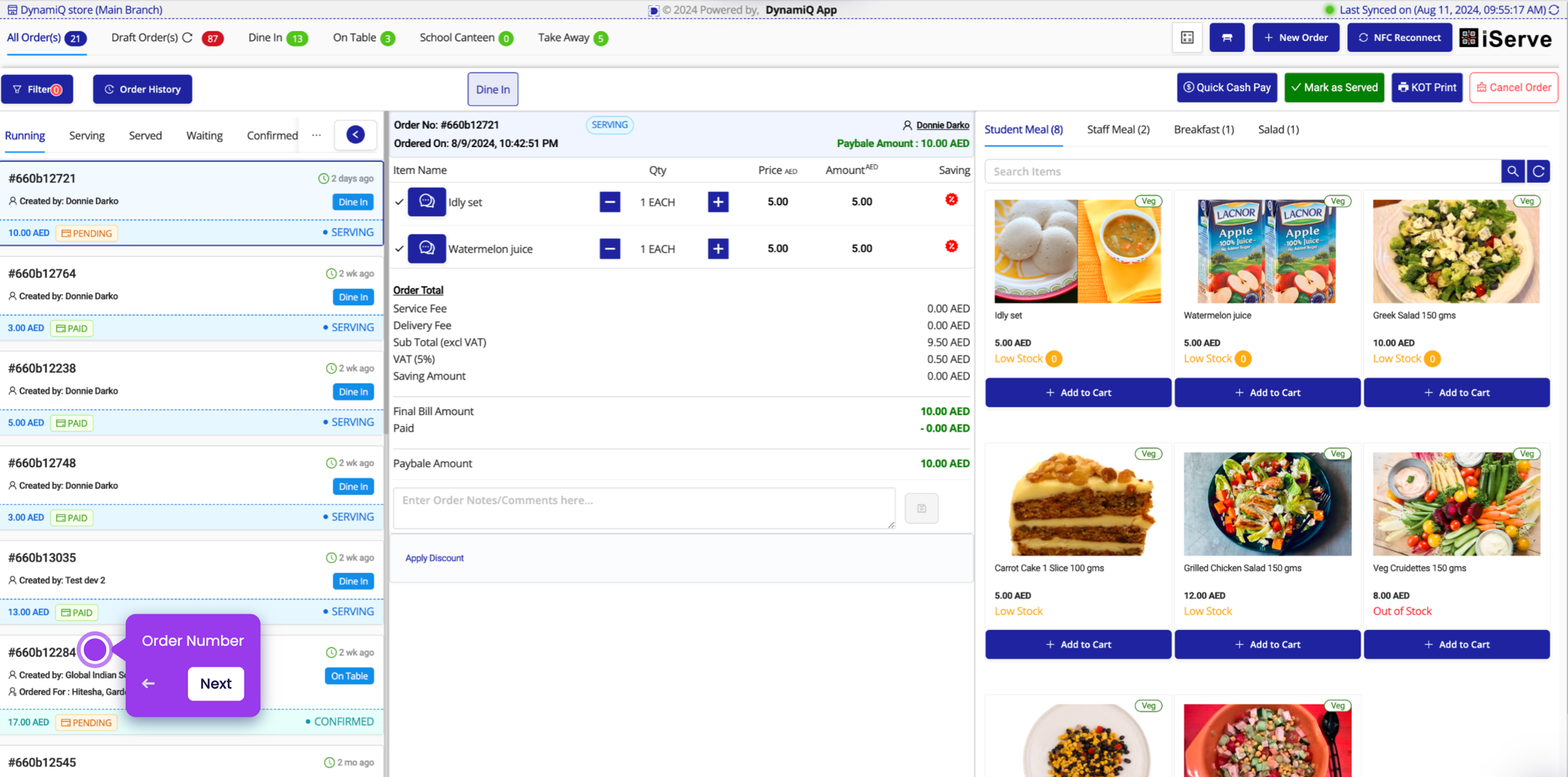
Check Customer Details
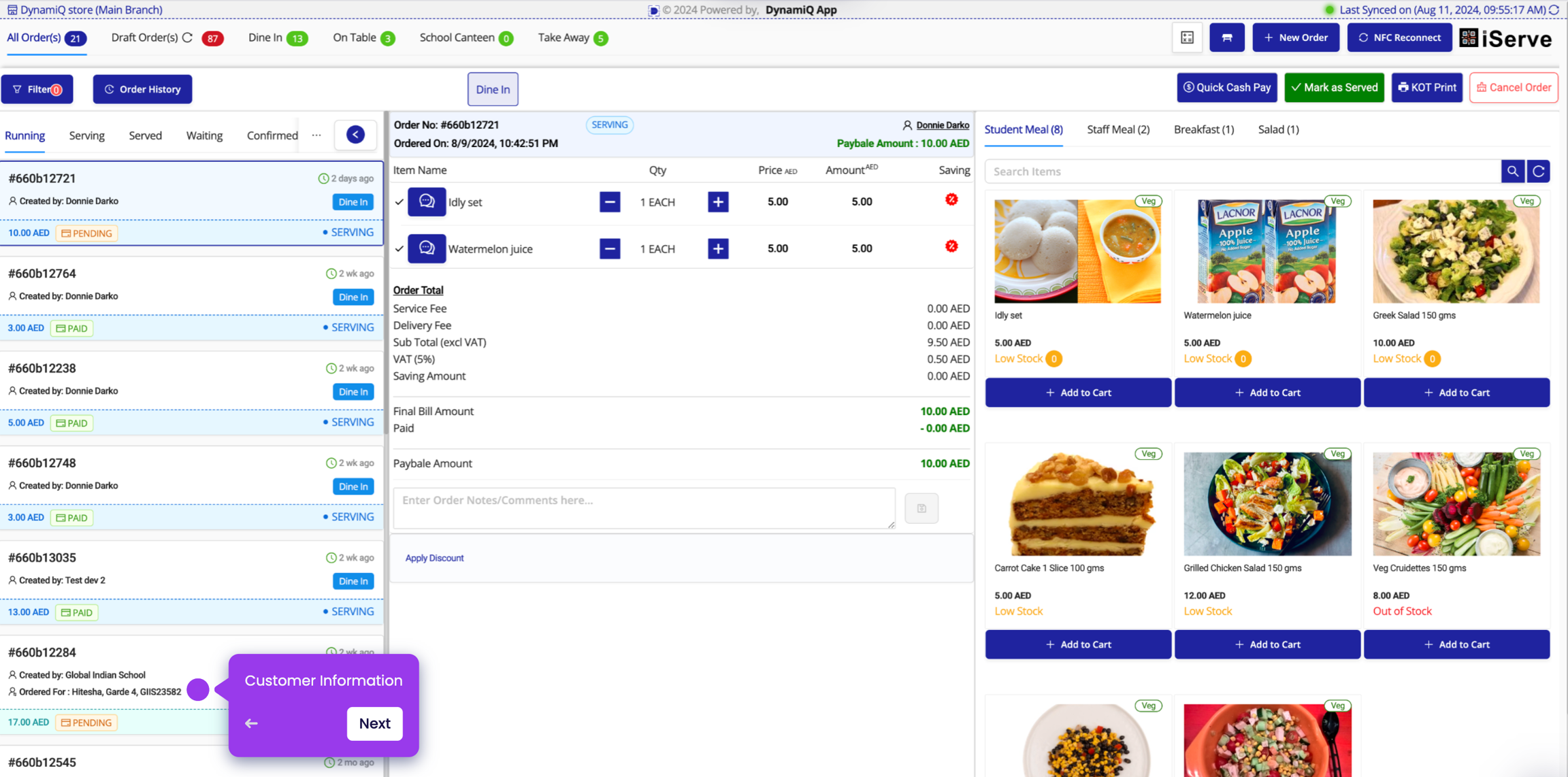
Check Payment Status
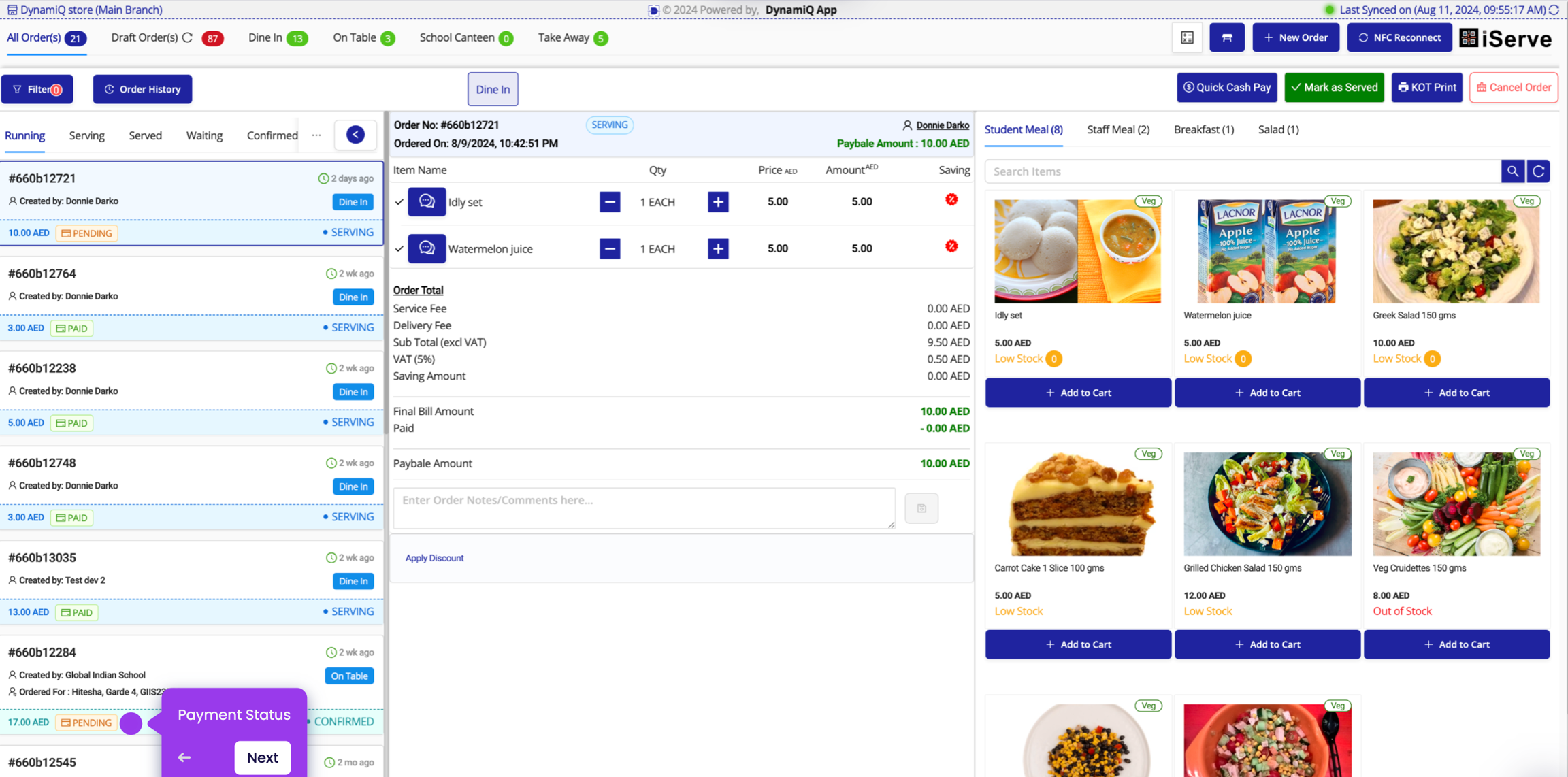
Check Order Status
Create New Order
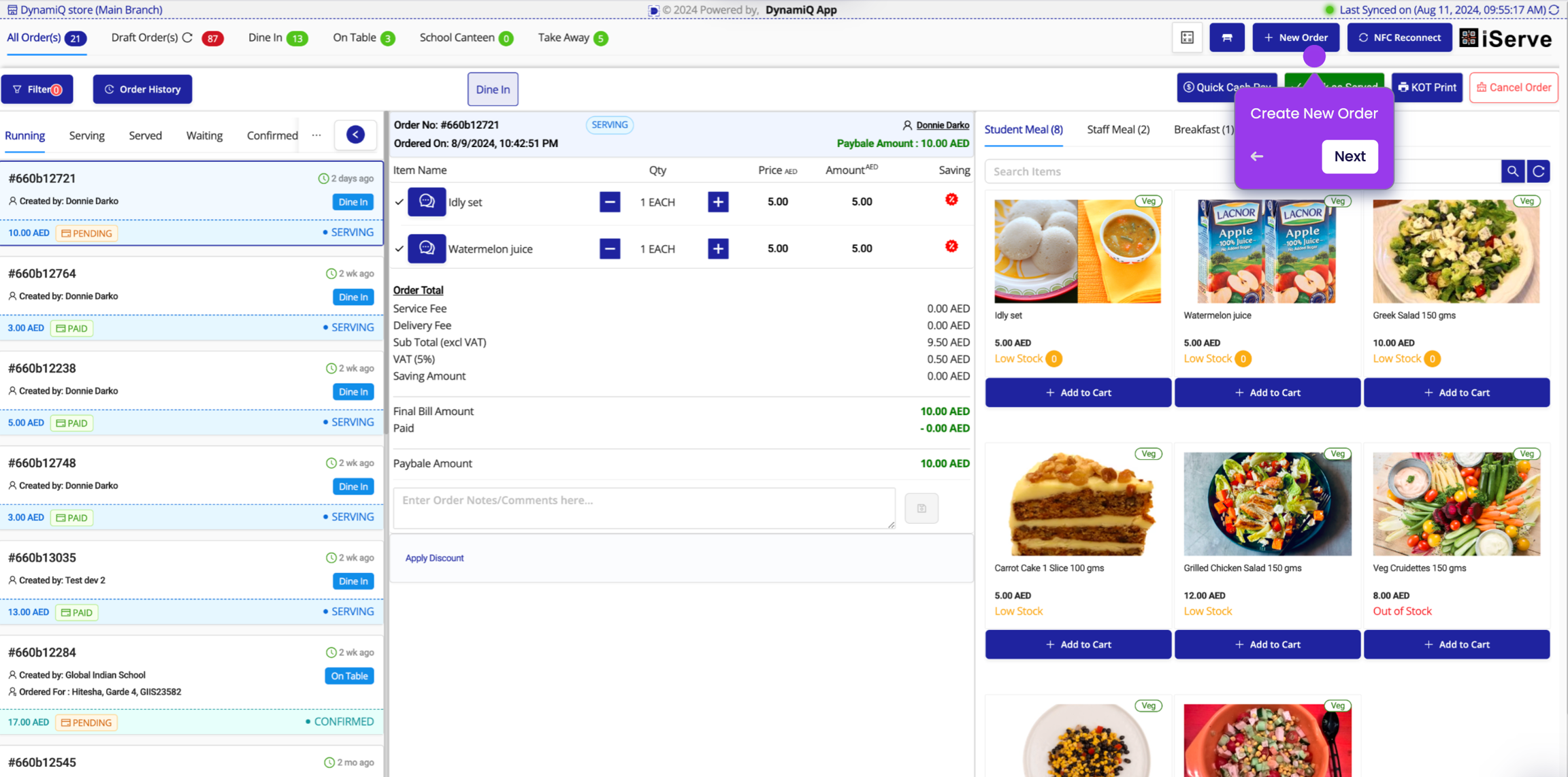
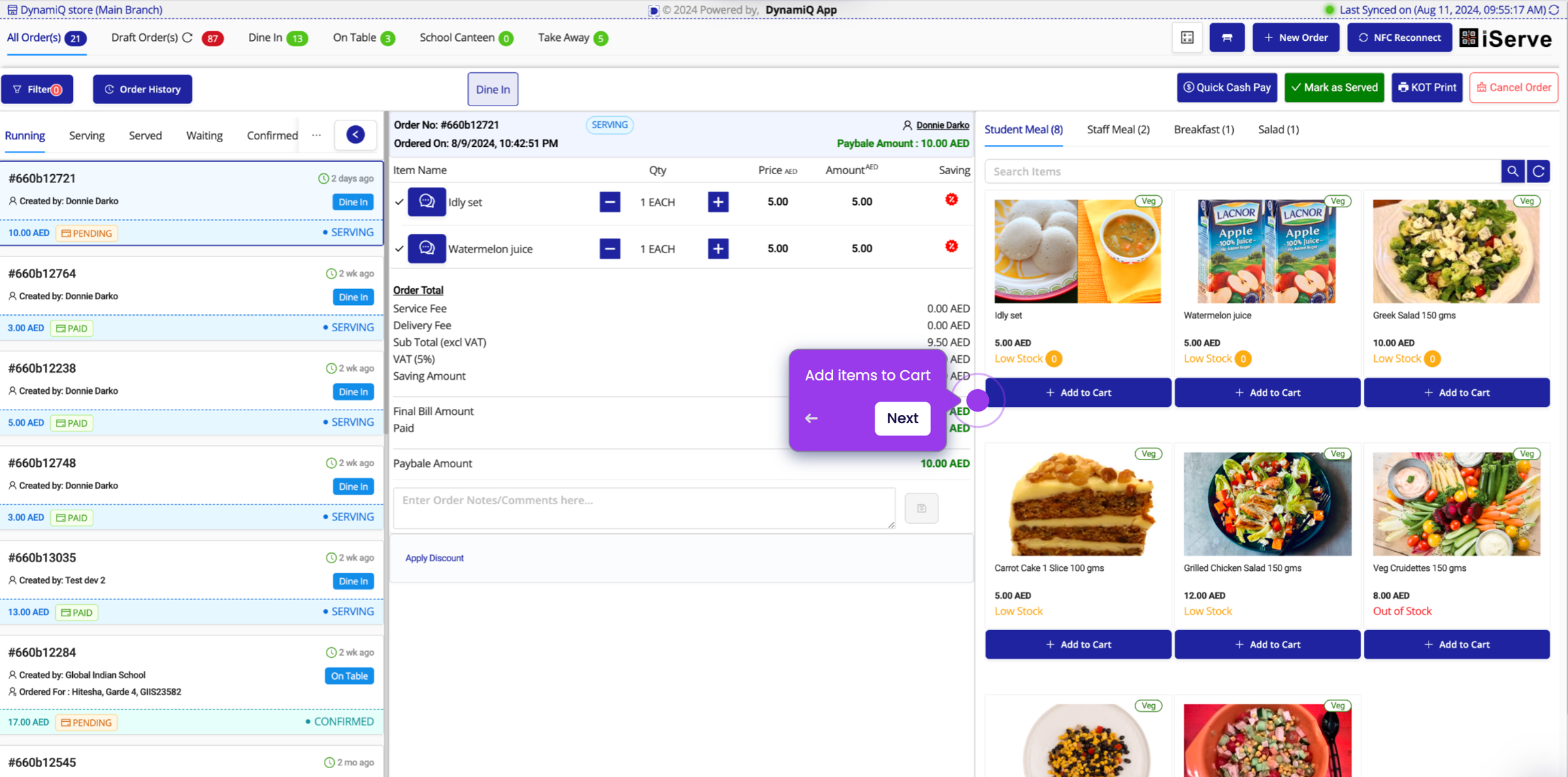
Add to Cart
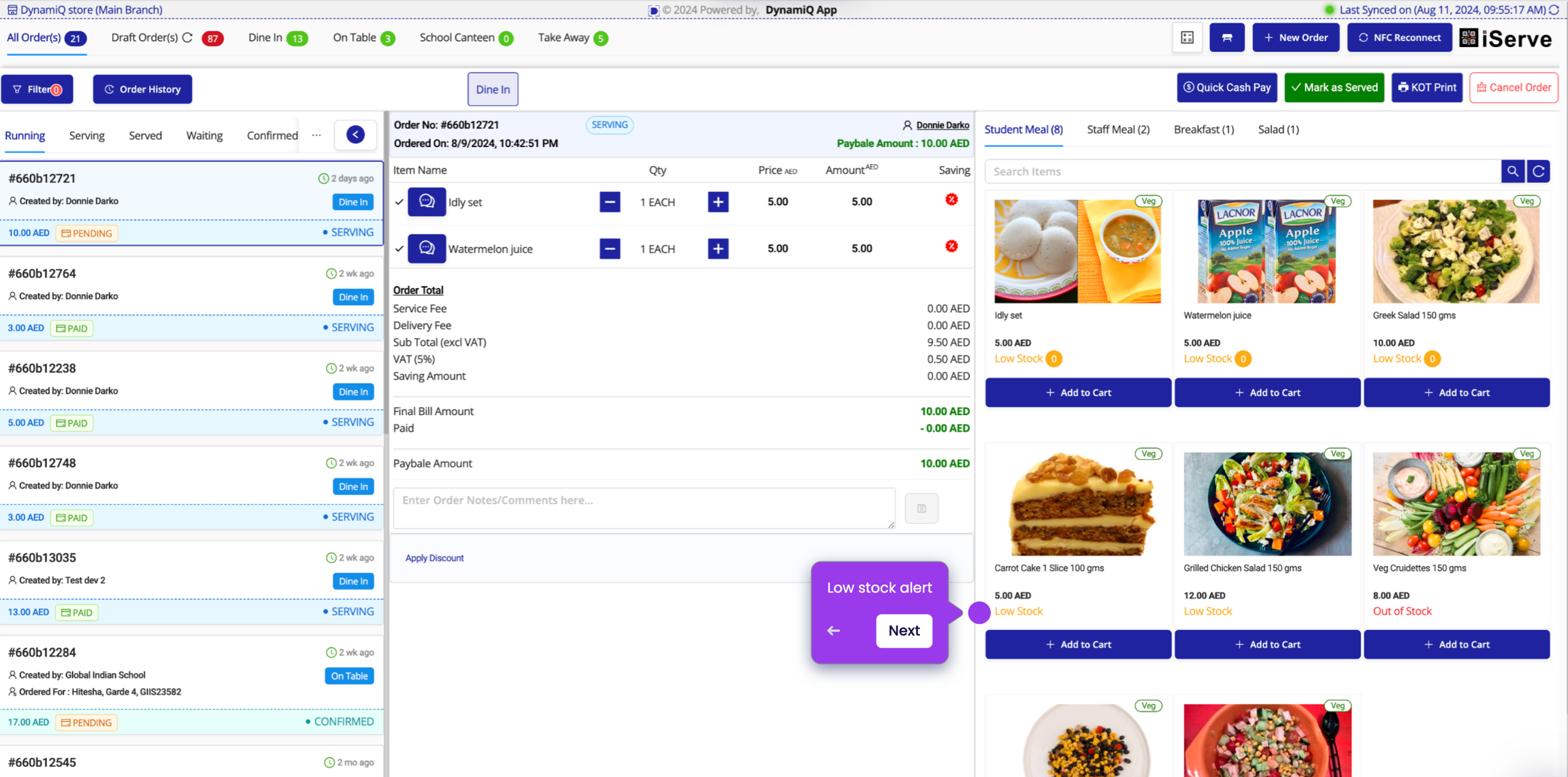
Check Stock Availability
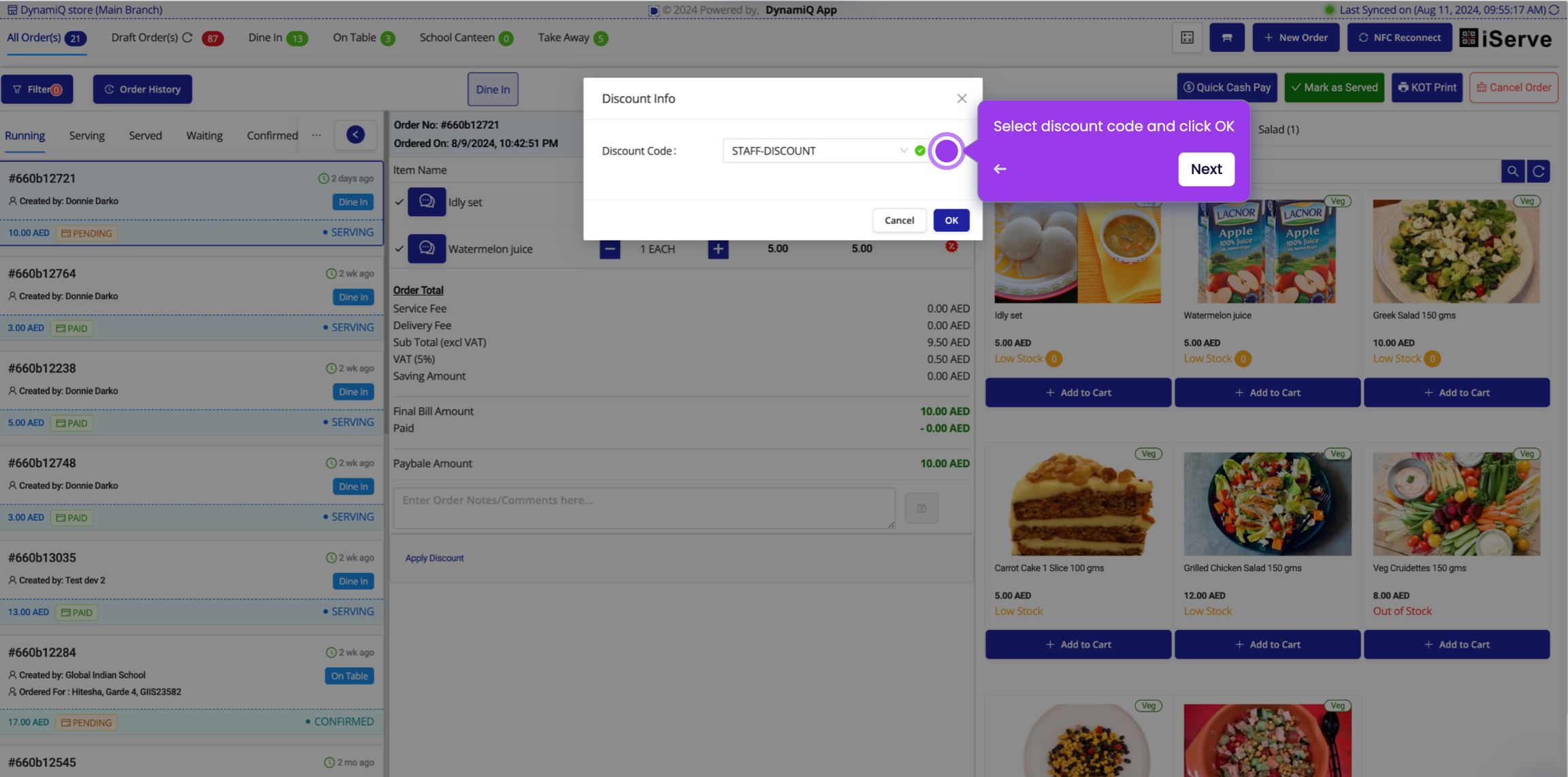
Apply Discounts
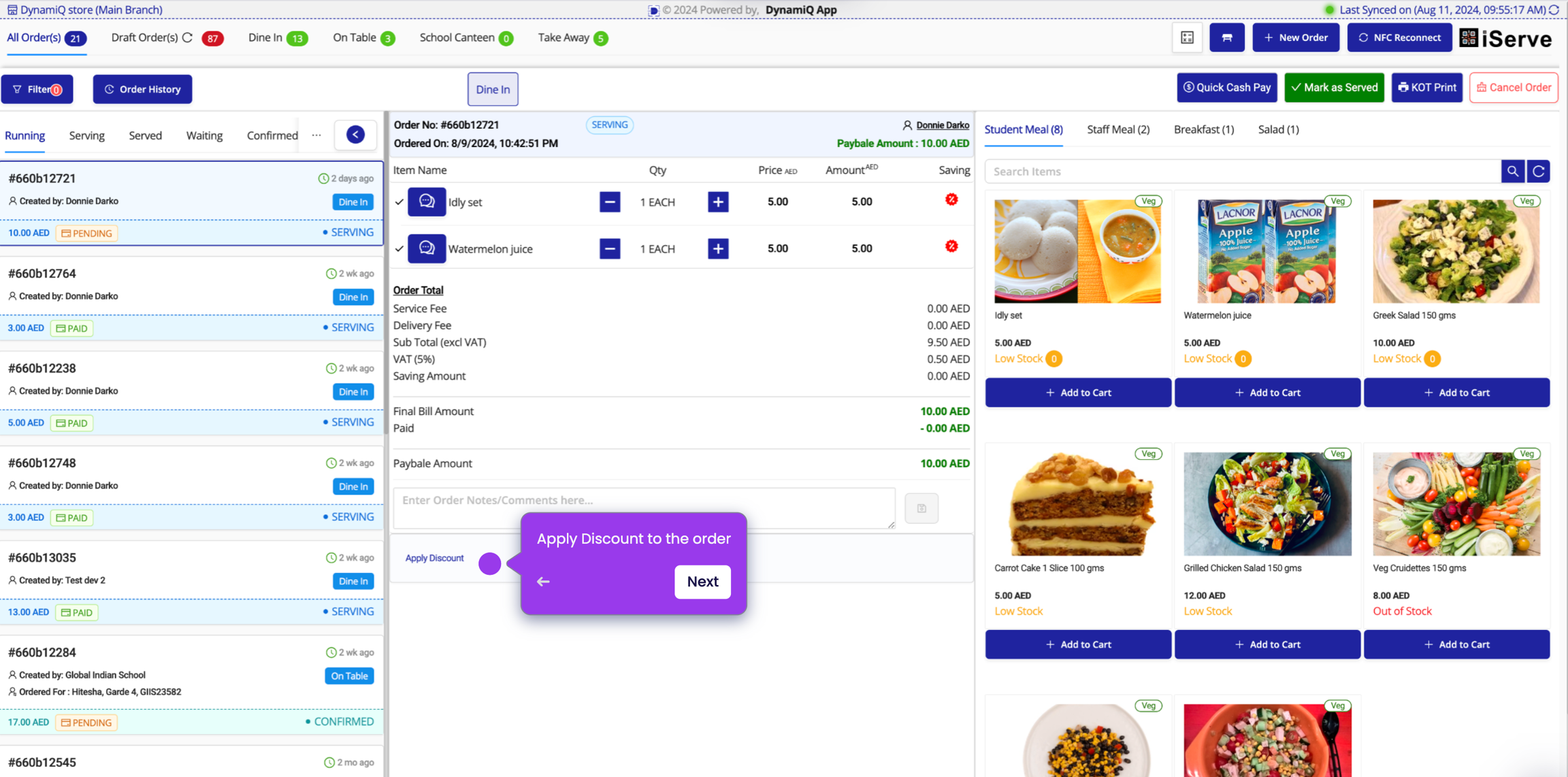
Select Discount Code
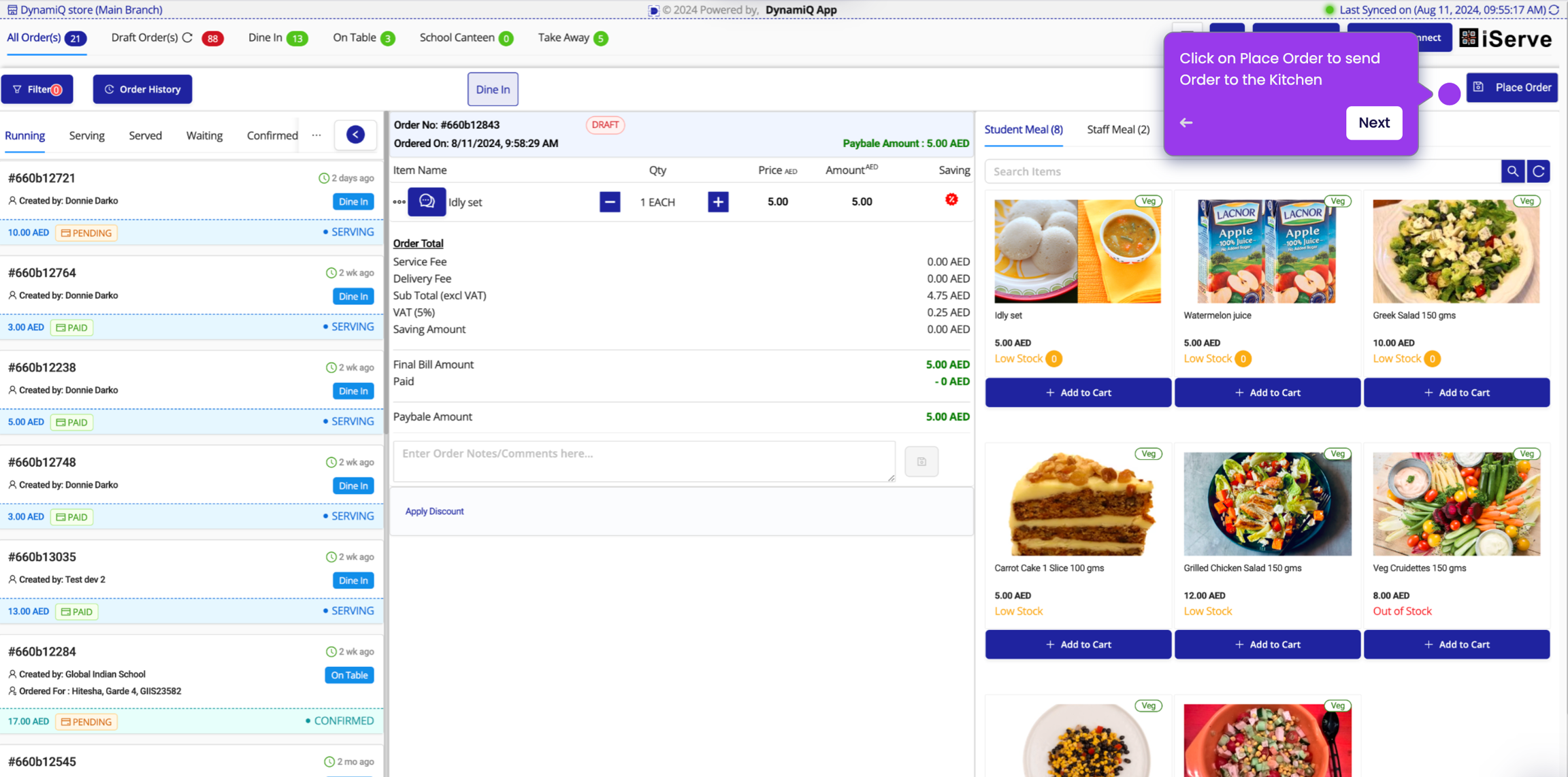
Place Order
Accepting/Rejecting Orders received from Customer App
When an order is placed from the Online Order App, it will be displayed on the POS screen. The POS operator can accept or reject the order.

Quick Cash Payment
Collect cash from customer and click on Quick Cash Pay for fulfilling order with Cash payment.

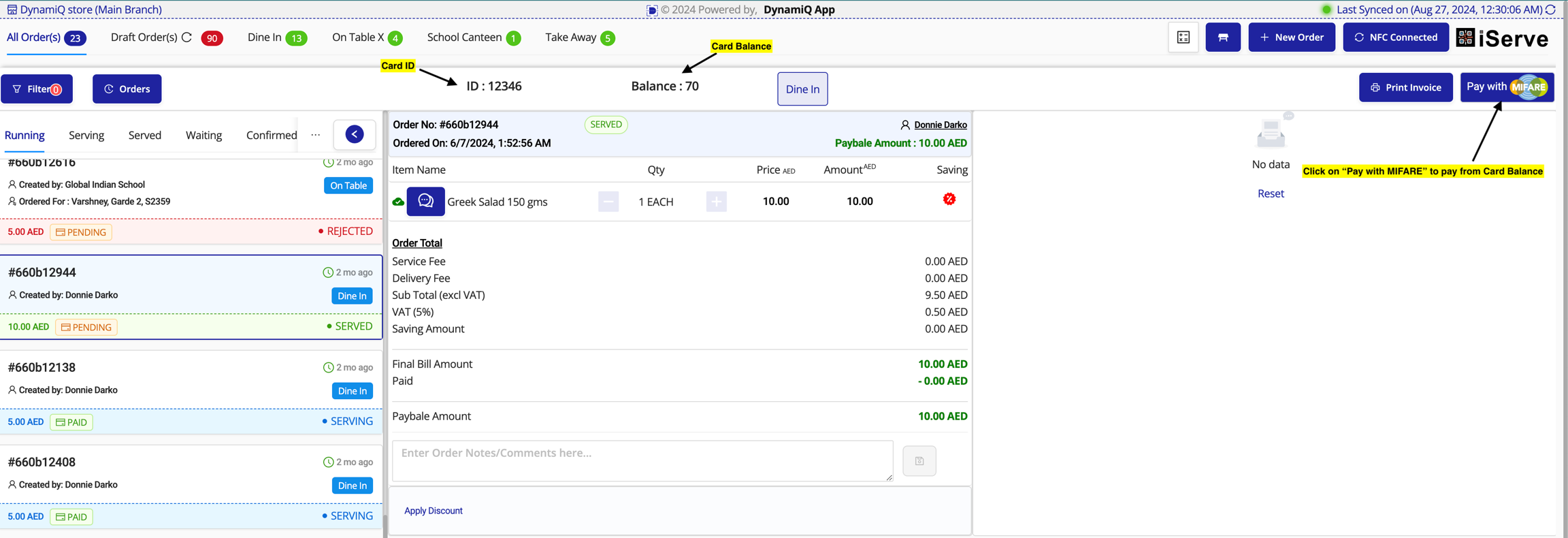
Quick Pay with MIFARE
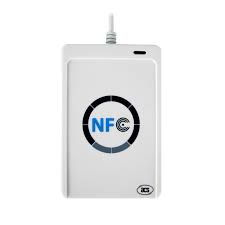
Check if NFC is connected and then place the contactless card on the NFC reader.

If NFC is not connected, click on NFC Reconnect button after connecting the reader to machine.

"Pay with MIFARE" button will automatically show on top right corner of POS.

Print Receipt
Click on the Print Receipt button to print the receipt.

Last updated